examples
See the whole page
Nine realistic examples, each previewed from its own browser view. Pick a page by what it looks like, then open the complete, working version at full size.
These are pages, not component demos: each has its own information shape, rhythm, and job to do. Their controls are live, too. What you change here stays in your browser; an agent joins the loop when you run one from a checkout.
the catalog
Nine complete pages
-
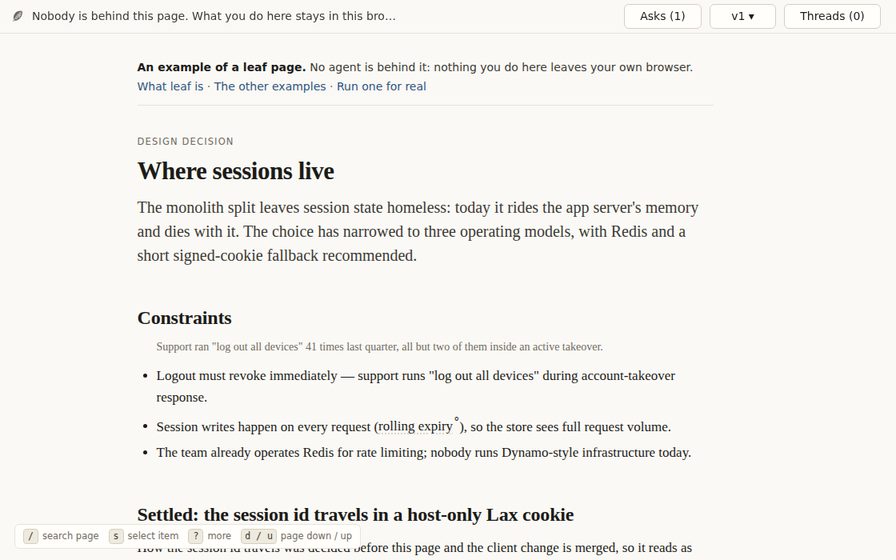 01 · architecture decision
Design decision
Compare two operating regimes, weigh their consequences, and choose
where session state should live after a monolith split.
Open full page
01 · architecture decision
Design decision
Compare two operating regimes, weigh their consequences, and choose
where session state should live after a monolith split.
Open full page
-
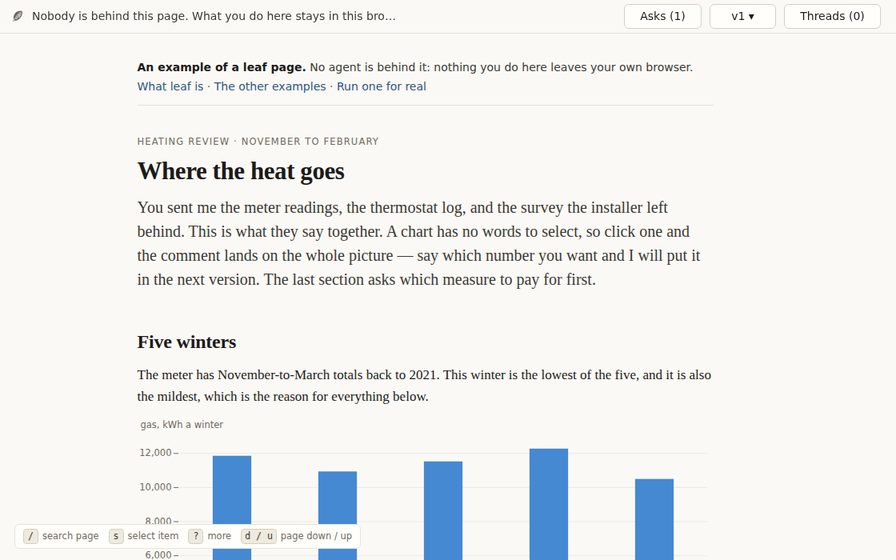 02 · analytical story
Heating review
Turn one winter of meter readings into a five-chart argument for the
first retrofit worth booking.
Open full page
02 · analytical story
Heating review
Turn one winter of meter readings into a five-chart argument for the
first retrofit worth booking.
Open full page
-
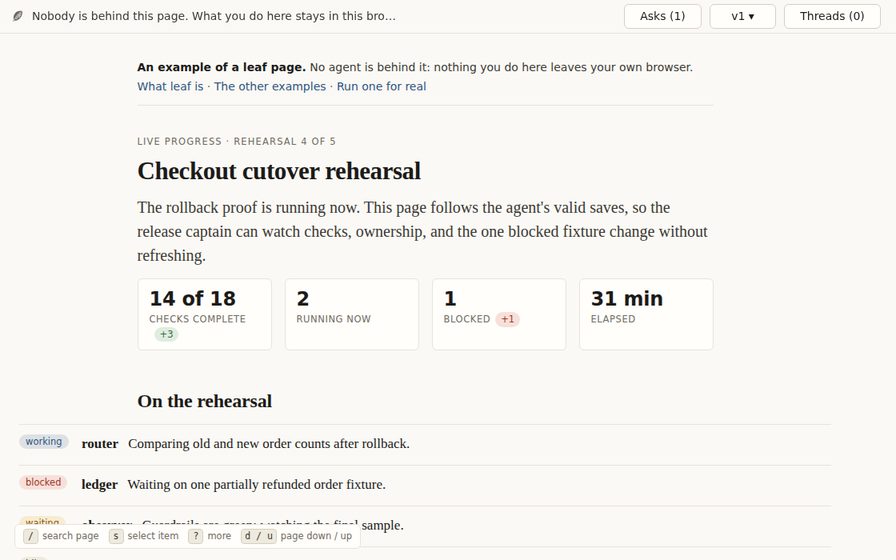 03 · live operations
Live progress
Supervise a rollback proof through moving metrics, a worker roster,
milestones, and focused handoffs.
Open full page
03 · live operations
Live progress
Supervise a rollback proof through moving metrics, a worker roster,
milestones, and focused handoffs.
Open full page
-
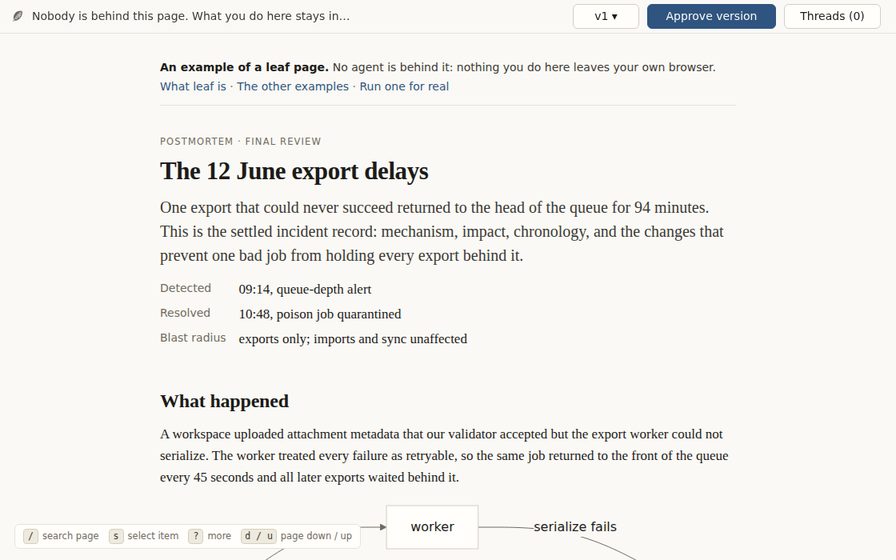 04 · incident account
Postmortem
Follow one bad export job through its failure loop, customer impact,
chronology, and corrective work.
Open full page
04 · incident account
Postmortem
Follow one bad export job through its failure loop, customer impact,
chronology, and corrective work.
Open full page
-
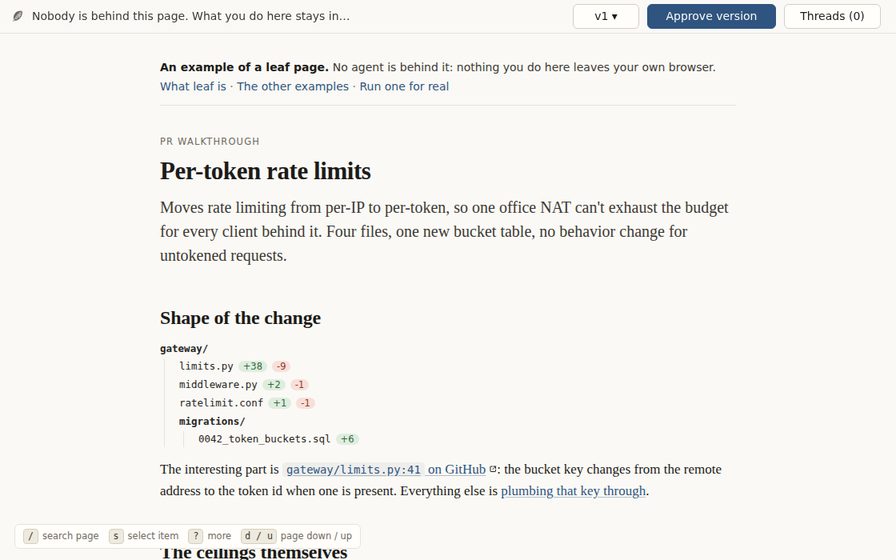 05 · code review
PR walkthrough
Read a rate-limit change from tree to captured configuration, wide
diff, annotated function, and test evidence.
Open full page
05 · code review
PR walkthrough
Read a rate-limit change from tree to captured configuration, wide
diff, annotated function, and test evidence.
Open full page
-
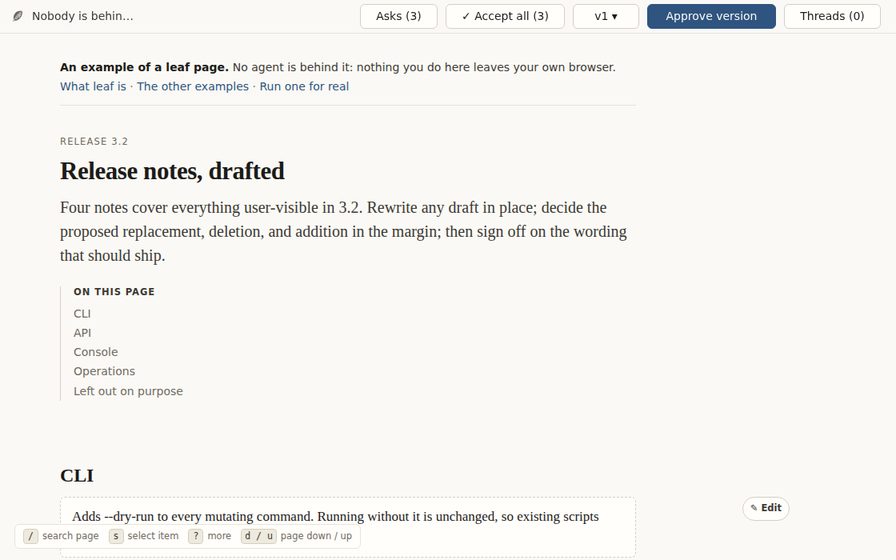 06 · editorial workbench
Release notes
Rewrite four notes, decide proposed changes in the margin, and flip
the release's visual before-and-after.
Open full page
06 · editorial workbench
Release notes
Rewrite four notes, decide proposed changes in the margin, and flip
the release's visual before-and-after.
Open full page
-
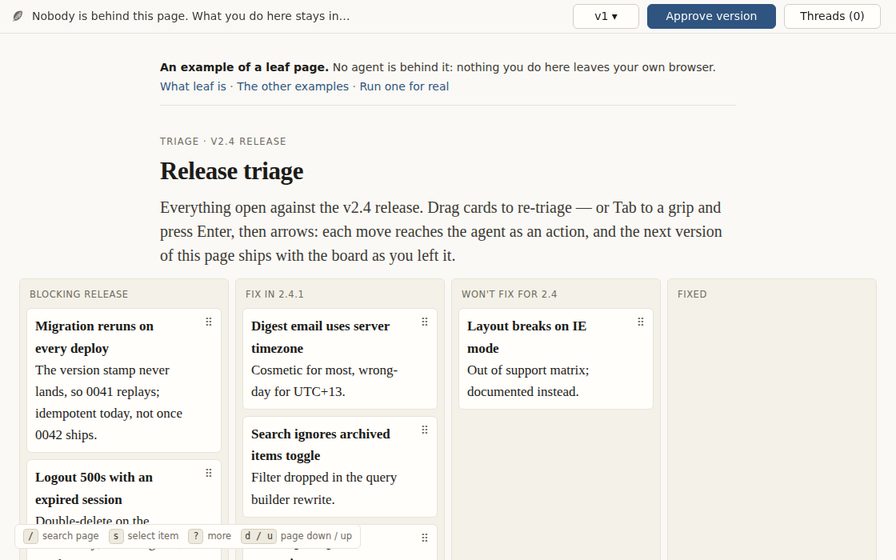 07 · release planning
Triage board
Assign six defects to ship windows on one wide board, then revise the
release plan by dragging the work itself.
Open full page
07 · release planning
Triage board
Assign six defects to ship windows on one wide board, then revise the
release plan by dragging the work itself.
Open full page
-
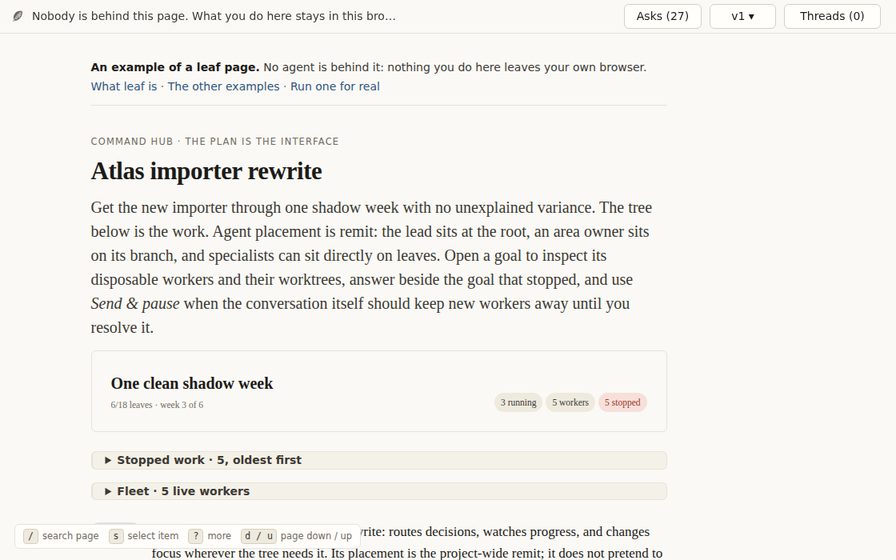 08 · orchestration surface
Command hub
See which task, agent, worktree, and operation is holding a dense
importer rewrite—and act beside the stopped goal.
Open full page
08 · orchestration surface
Command hub
See which task, agent, worktree, and operation is holding a dense
importer rewrite—and act beside the stopped goal.
Open full page
-
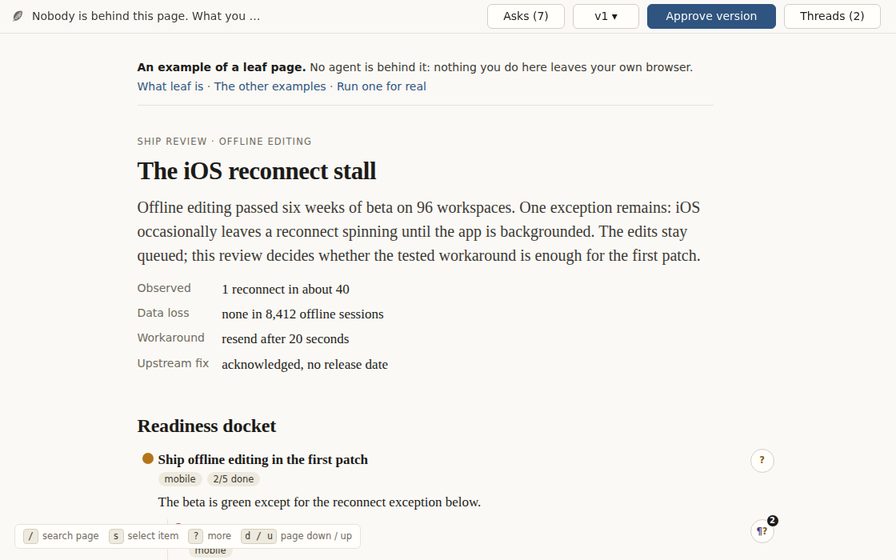 09 · readiness review
Ship review
Enter mid-conversation on the one iOS reconnect objection that could
still hold an offline-editing patch.
Open full page
09 · readiness review
Ship review
Enter mid-conversation on the one iOS reconnect objection that could
still hold an offline-editing patch.
Open full page
Run one for real
From a checkout, preview.py builds the page directory the runtime
expects and serves it, which is the same path an agent session takes:
scripts/preview.py triage-boardComments on that page reach somebody. Run from an agent session, they arrive and the example gets revised like any other page; run from a bare shell, they queue in the log until an agent next reads it.
The ship review is where to see what comes back: it ships a log beside it, so it opens mid-conversation with a passage marked and the exchange under it. Write a reply there and it stops at your browser; write one from a checkout and the agent answers it.
scripts/preview.py ship-reviewThe tour records the same loop end to end, if you would rather watch it than run it.